What’s the best TPU filament for beginners?
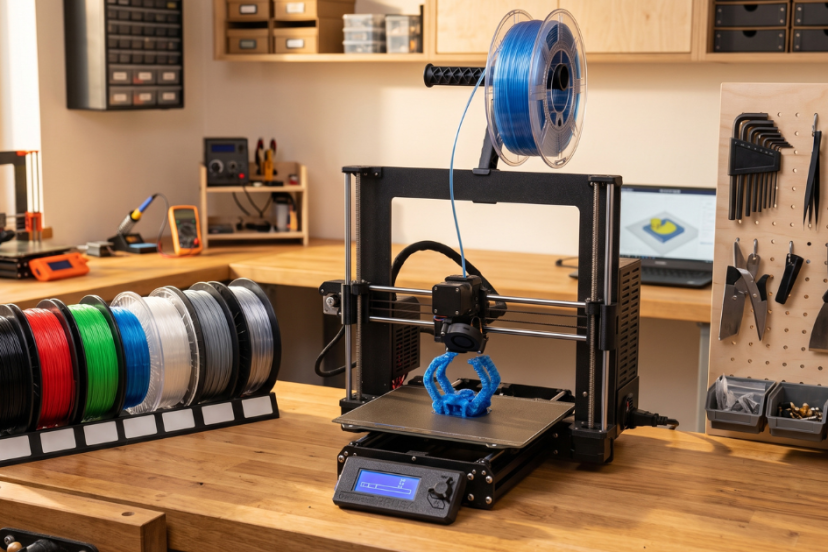
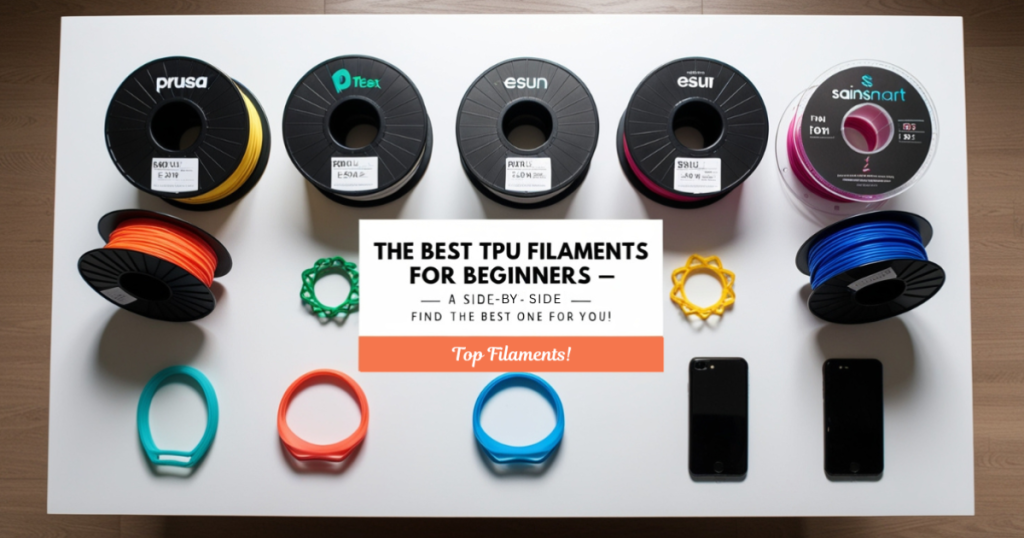
When selecting TPU (Thermoplastic Polyurethane) filament for beginners, it’s essential to find a brand that is easy to print with, offers consistent quality, and has good printability characteristics. Since TPU is a flexible material that can be tricky to work with for those new to 3D printing, the best options will have a combination of good performance and forgiving printing properties.
Here are some of the best TPU filaments for beginners:
1. Prusa Flex (Prusa Research)
Why It’s Great for Beginners:
Prusa Flex is known for its reliable prints, good flexibility, and beginner-friendly performance. Its dependable adhesion helps reduce warping and lifting, while its controlled material flow limits stringing and oozing compared with many flexible filaments.
Recommended Printing Settings
- Print temperature: 220°C to 230°C.
- Bed temperature: 50°C to 60°C.
- Use a slow printing speed, around 20-30mm/s.
Best For
Prusa Flex works well with many 3D printers, and its consistent quality control makes it a dependable starting point for beginners.
2. MatterHackers PRO TPU
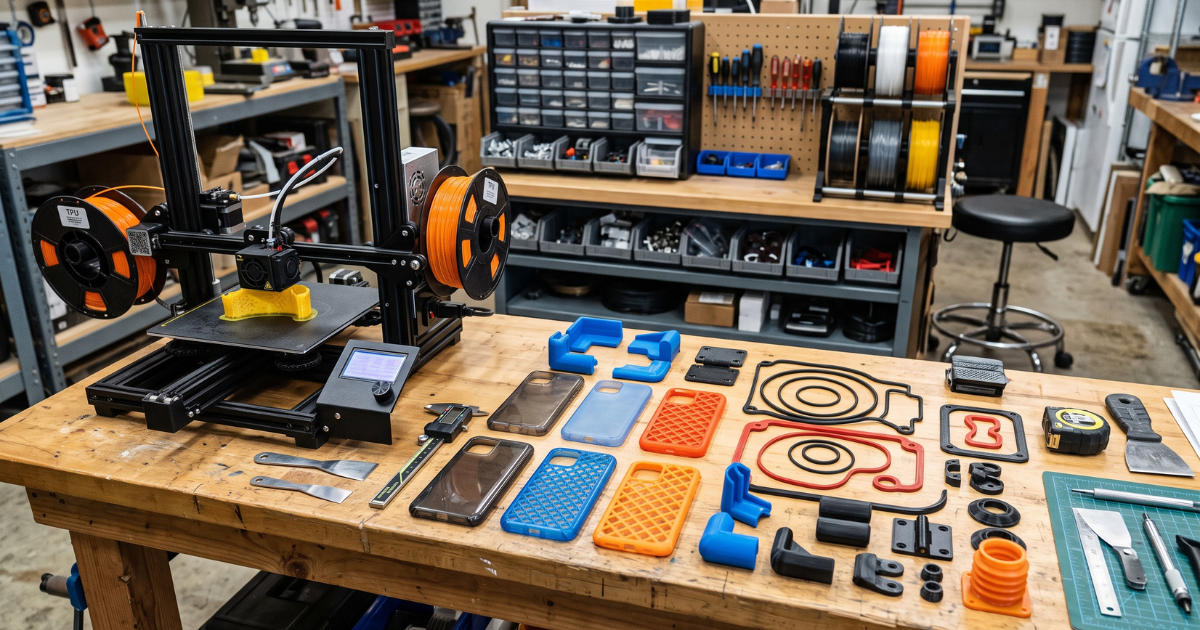
👉 TPU becomes much easier to print when the filament path is controlled and feeding remains consistent throughout the print. Creality printer owners should verify model compatibility before upgrading.
Check the Creality Sprite Extruder Pro Upgrade Kit on Amazon
Why It’s Great for Beginners:
MatterHackers PRO TPU is highly regarded for its ease of use and consistent extrusion, making it a solid choice for beginners working with flexible filament. It has a smooth, glossy finish and a high-quality feel, making it ideal for both functional and aesthetic prints. It also produces minimal stringing and warping, even at lower print speeds.
Recommended Printing Settings
- Print temperature: 220°C to 240°C.
- Bed temperature: 50°C to 60°C.
- Use a slower print speed to avoid clogging or under-extrusion (around 20mm/s).
Best For
MatterHackers PRO TPU is versatile and works well with many popular 3D printers, including models equipped with direct-drive extruders.
3. eSUN eTPU
Why It’s Great for Beginners:
eSUN eTPU filament is popular for its ease of use and affordability, making it a good option for beginners. It provides good layer adhesion and flexibility while printing consistently without too many issues. eSUN is also known for reliable quality control, which reduces the likelihood of poor prints caused by filament inconsistency.
Recommended Printing Settings
- Print temperature: 210°C to 230°C.
- Bed temperature: 50°C to 60°C.
- Print speed: 20-30mm/s, depending on the model size.
Best For
eSUN’s eTPU has a broad compatibility range with both Bowden and direct drive extruders, which is helpful for beginners using different printer setups.
4. SainSmart TPU
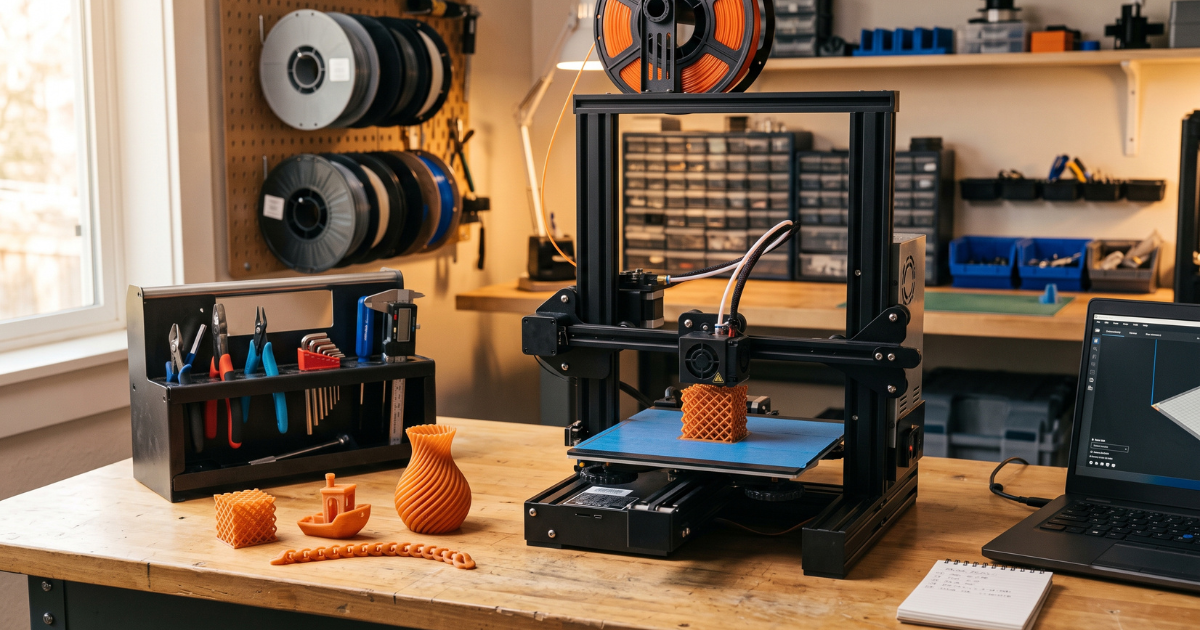
👉 Improve TPU Printing Success:
SUNLU High-Speed 95A TPU Filament
Creality Sprite Extruder Pro Upgrade Kit
SUNLU S2 Filament Dryer
Why It’s Great for Beginners:
SainSmart TPU is known for its consistent quality and ease of printing. It is flexible yet durable and is available in a variety of colors. The filament is also less prone to jamming and fairly forgiving for beginners. Its compatibility with both direct-drive and Bowden extruders provides flexibility for different printer setups.
Recommended Printing Settings
- Print temperature: 220°C to 230°C.
- Bed temperature: 50°C to 60°C.
- Use a slower print speed, around 20mm/s for better control.
Best For
SainSmart TPU is a popular choice because of its good balance between flexibility and ease of printing, making it an excellent option for newcomers.
5. Amazon Basics TPU
Why It’s Great for Beginners:
Amazon Basics TPU is a budget-friendly filament that does not compromise on quality, making it a practical option for beginners getting started with flexible materials. It is easy to work with and generally prints well without requiring numerous adjustments.
Recommended Printing Settings
- Print temperature: 220°C to 230°C.
- Bed temperature: 50°C to 60°C.
- Print speed: 20-30mm/s.
Best For
Amazon Basics offers an affordable option for beginners who want to experiment with TPU without a significant investment.
6. Filamentum Flexfill 98A
Why It’s Great for Beginners:
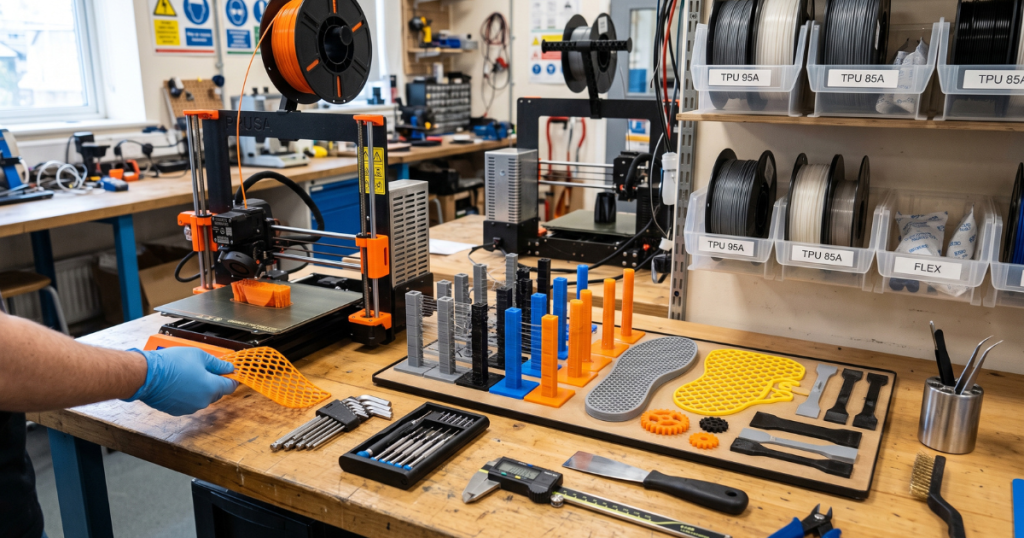
Filamentum Flexfill 98A is known for its excellent quality and smooth printing experience. It offers a good balance of flexibility and ease of use, with low warping and minimal stringing. The filament is available in high-quality colors and produces a smooth, glossy finish after printing.
Recommended Printing Settings
- Print temperature: 220°C to 240°C.
- Bed temperature: 50°C to 60°C.
- Print speed: 20-30mm/s.
Best For
Filamentum Flexfill 98A is ideal for printing soft parts such as gaskets, seals, and flexible prototypes.
General TPU Printing Tips for Beginners:
Use a Direct-Drive Extruder
TPU works best with a direct-drive extruder because the shorter filament path creates less friction and provides better control for flexible filaments. If your printer uses a Bowden setup, reduce the print speed and carefully adjust your retraction settings to help prevent buckling and jams.
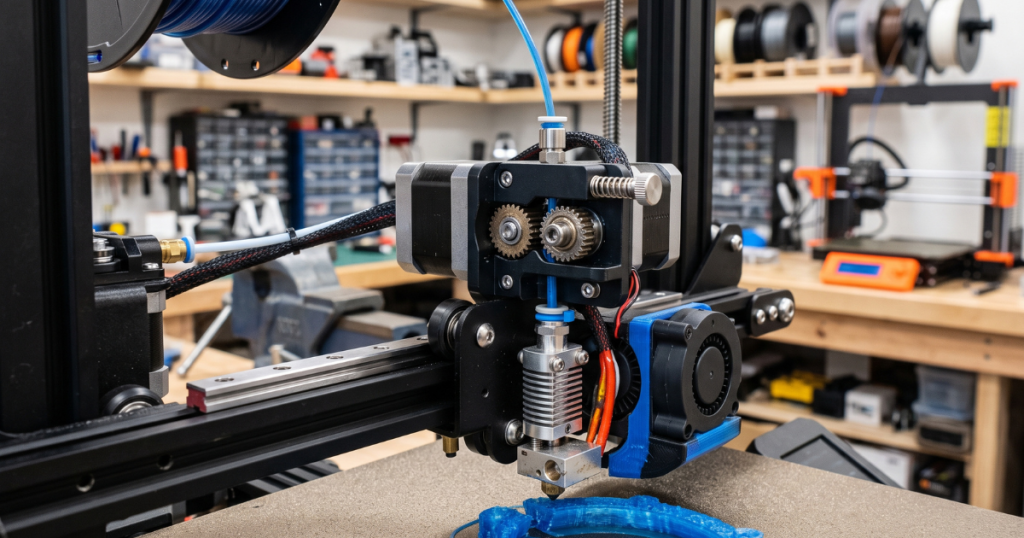
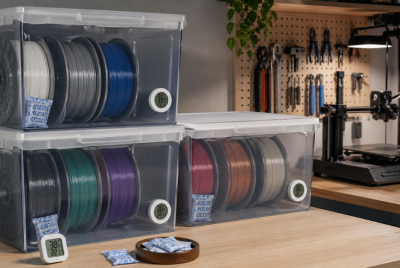
Moisture can create stringing, popping sounds, and inconsistent extrusion that many beginners mistake for printer problems.
Check the SUNLU Filament Dryer on Amazon
Use a Slow Printing Speed
TPU requires slower print speeds compared to more rigid filaments. A speed of approximately 20–30mm/s is generally recommended for reliable extrusion and better control.
Adjust the Print Temperature
TPU generally prints best at temperatures between 210°C and 230°C. Always check the filament manufacturer’s recommended temperature range before printing.
Fine-Tune the Retraction Settings
Use a shorter retraction distance of approximately 1mm to 3mm to help prevent the filament from buckling and causing jams inside the extruder.
Use a Heated Bed
Set the heated bed to approximately 50°C to 60°C to promote good first-layer adhesion and minimize warping.
Summary:
👉 Upgrade Your TPU Printing Setup:
SUNLU High-Speed 95A TPU Filament
Creality Sprite Extruder Pro Upgrade Kit
SUNLU S2 Filament Dryer
For beginners, Prusa Flex, MatterHackers PRO TPU, and eSUN eTPU are some of the best TPU filament options, offering ease of use, reliable printing, and good quality results. These filaments are forgiving, produce minimal stringing, and are compatible with a wide range of 3D printers. Make sure to use the right settings, particularly with retraction and print speed, to achieve the best print quality with TPU.