

Finding the right tools can save time, reduce failed prints, and make 3D printing far more enjoyable.
Rather than sorting through hundreds of products, we’ve organized our recommendations around the most common challenges faced by hobbyists, makers, and professionals.
Whether you’re improving print quality, solving filament problems, maintaining your printer, or building a more efficient workspace, you’ll find tools and resources designed to help you get better results.
Quick Navigation
🖨️ Looking for a Printer?
3D Printers We Recommend
🧰 New to 3D Printing?
Must-Have Tools
🎨 Choosing the Right Filament?
Filaments That Perform
🌡️ Filament Problems?
Filament Drying & Storage
🧼 Maintenance & Troubleshooting?
Cleaning & Maintenance
🔒 Print Environment Issues?
Enclosures & Accessories
🛠️ Organizing Your Workspace?
Workshop & Organization
⚙️ Ready to Upgrade Your Printer?
Printer Upgrades
🦺 Printing More Safely?
Safety & Protection
Every recommendation on this page is selected based on real-world usability, beginner-friendliness, reliability, and common 3D printing challenges we regularly cover on 3DPrintTrend.
🖨️ 3D Printers We Recommend
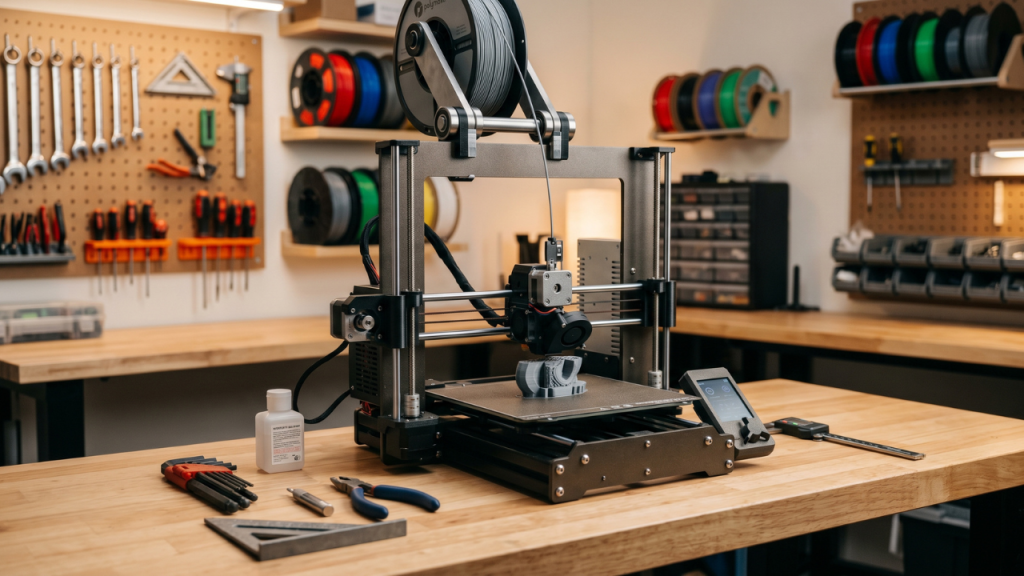
Coming Soon
We’re currently evaluating and expanding our recommended printer lineup. Check back soon for beginner-friendly, enthusiast, and advanced printer recommendations.
⚙️ Printer Upgrades
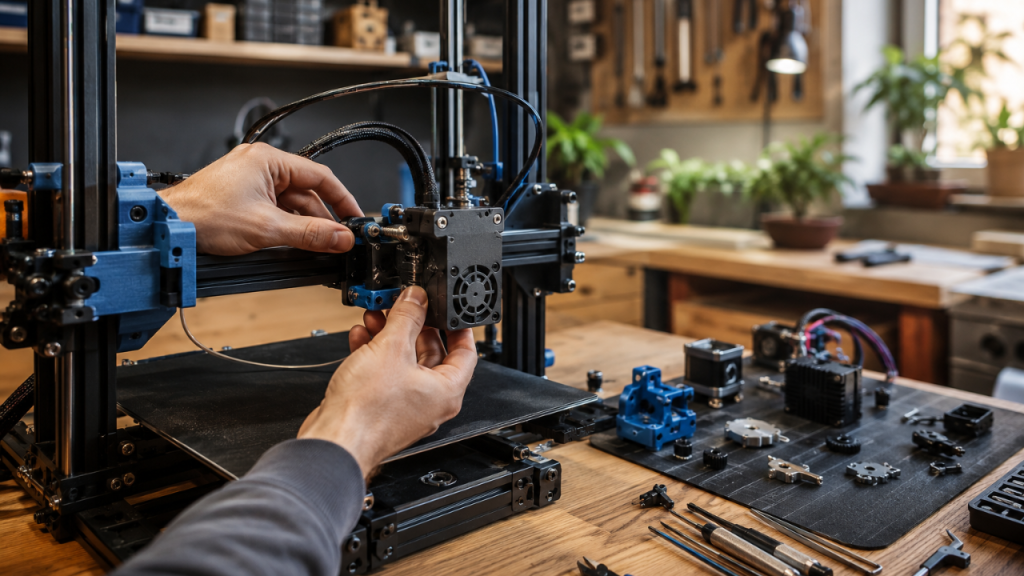
Extrusion & Material Handling
Common Causes of Inconsistent Filament Feeding
Under-extrusion, skipped layers, and filament jams often happen when the stock extruder struggles to maintain consistent grip and pressure. An upgraded extruder helps improve filament control and reliability during longer prints.
Simple Ways to Improve Filament Management
Filament tangles and uneven spool movement can create print defects or failed jobs. A dedicated spool holder helps filament unwind more smoothly and reduces feeding interruptions.
Build Surface Improvements
Why Prints Stop Sticking to the Build Plate
Poor first-layer adhesion can lead to warped corners, detached prints, and wasted material. Replacing a worn build surface helps restore consistent adhesion and easier print removal.
Power & Print Monitoring
How Power Interruptions Affect Long Prints
Unexpected power loss can ruin hours of printing and waste expensive material. Monitoring energy usage and controlling printer power remotely makes it easier to manage long print jobs.
Helpful Articles
- Top 10 3D Printer Filament Sensors to Prevent Failed Prints in 2024
- Top 10 Magnetic Build Plates for 3D Printers: Best Picks for 2024
- How can I reduce TPU stringing?
- Top 10 Must-Have 3D Printing Tools: Why Meshmixer is the Ultimate Game-Changer
🎨 Filaments That Perform
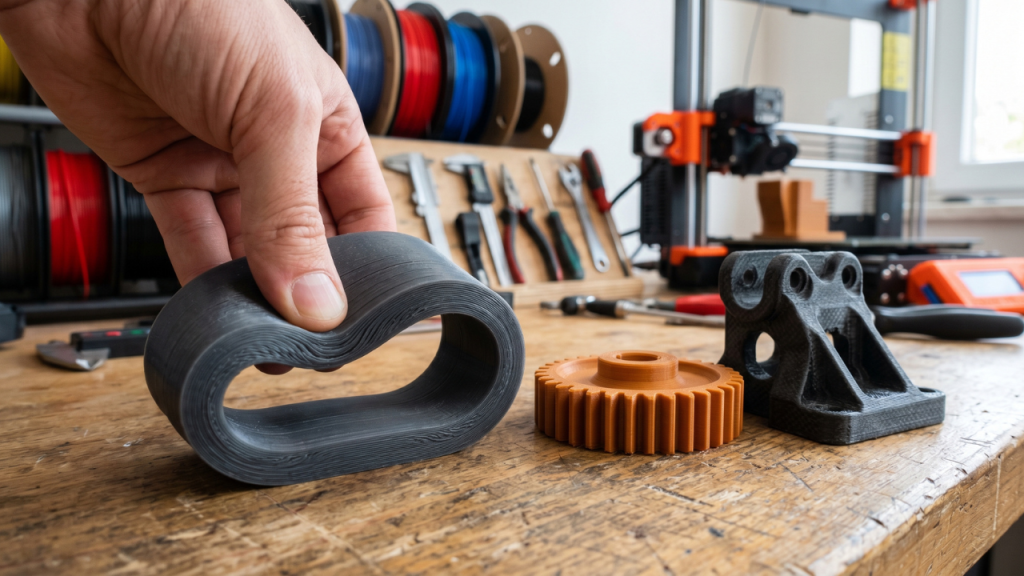
Everyday Printing
Choosing the Right PLA for Daily Projects
Poor layer adhesion, inconsistent extrusion, and brittle parts often come from low-quality filament. A reliable PLA helps produce cleaner prints with fewer interruptions and more predictable results.
When Bulk Filament Makes Sense
Running out of filament during large projects can lead to wasted time and mismatched results. A larger filament supply helps keep production consistent across multiple prints.
Flexible Materials
Common Causes of TPU Print Defects
Stringing, blobs, and feeding issues are common when printing flexible materials. Quality TPU provides more consistent extrusion and helps reduce printing frustrations.
High-Strength Applications
Why Some Functional Parts Fail Too Soon
Standard materials may crack or deform under heavy stress. Carbon fiber reinforced nylon helps create stronger, more durable parts for demanding applications.
Helpful Articles
- Filament Types
- What are the best filament types?
- What’s the best way to store PLA?
- How can I reduce TPU stringing?
- How do I store Nylon filament?
- How do I prevent Nylon warping?
🌡️ Filament Drying & Storage
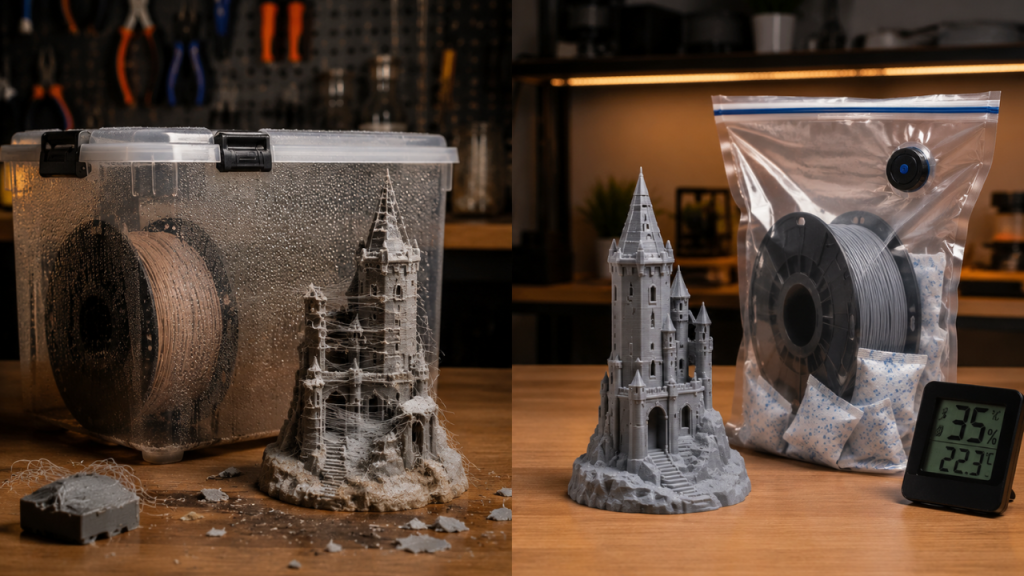
Core Protection
How Moisture Affects Filament Quality
If your filament has become brittle, stringy, or inconsistent during printing, moisture may already be affecting your results. Learn more in How Moisture Affects Filament Quality.
Common Filament Drying Mistakes to Avoid
Many failed drying attempts happen because of incorrect temperature settings or poor drying habits. Avoid the most common issues in Common Filament Drying Mistakes to Avoid.
Storage Systems
Best Ways to Store 3D Filament
Proper storage matters just as much as drying. If you want long-term protection for your filament, explore the Best Ways to Store 3D Filament.
DIY Airtight Filament Container
Vacuum storage can dramatically reduce moisture exposure and extend filament life when used correctly. You can also build your own airtight setup with this DIY Airtight Filament Container guide.
Moisture monitoring tools
Humidity control becomes much easier when vacuum bags are paired with proper storage methods and moisture monitoring tools.
Moisture Control
Fight moisture buildup
Desiccants are one of the simplest and cheapest ways to fight moisture buildup inside storage containers and filament bins.
Prevent hidden filament damage
Tracking moisture levels helps prevent hidden filament damage before print quality starts to decline.
Nylon-based filaments
Some materials absorb moisture much faster than others—especially nylon-based filaments used for stronger functional prints.
Helpful Articles
- How Moisture Affects Filament Quality
- Common Filament Drying Mistakes to Avoid
- Best Ways to Store 3D Filament
- How to Build an Airtight Filament Container
- Tools That Help Track Filament Humidity
- Nylon Filament Storage Tips
- Desiccant Packs vs. Electronic Dryers
🧰 Must-Have Tools
Precision & Calibration
Fix Print Accuracy Problems
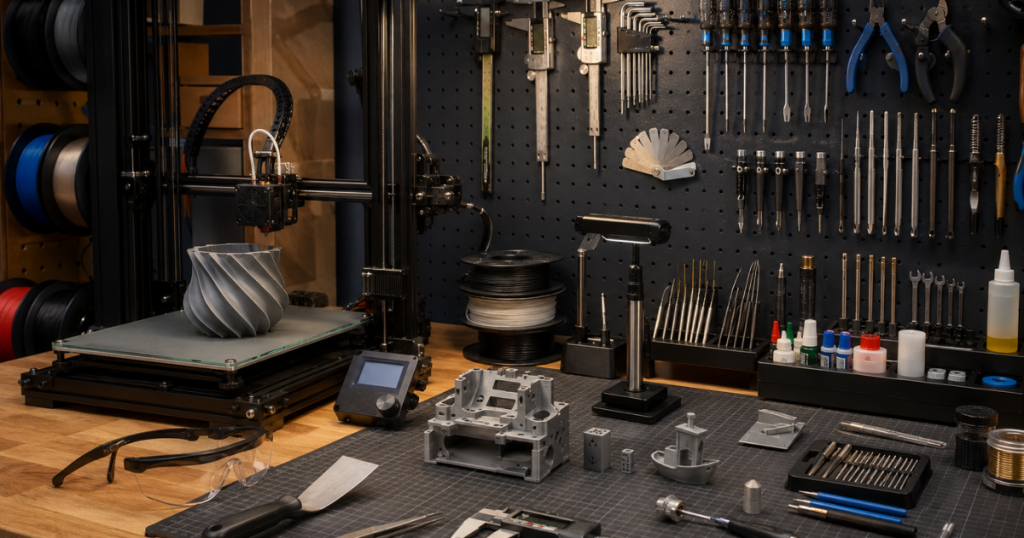
If printed parts are coming out slightly too large, too small, or simply not fitting together correctly, accurate measurements become essential. Digital calipers help verify dimensions, troubleshoot tolerance issues, and improve overall print accuracy before small mistakes become wasted filament.
Improve First Layer Reliability
Many print failures begin with the first layer. When corners lift, adhesion becomes inconsistent, or prints refuse to stick, the build surface is often the first place worth checking. A reliable build plate can help create a stronger foundation for successful prints.
Cleaning & Maintenance
Restore Consistent Extrusion
If your printer suddenly starts producing gaps, rough surfaces, or weak layers, a partially clogged nozzle may be restricting filament flow. Keeping cleaning tools nearby makes routine maintenance easier and can help prevent minor extrusion issues from becoming failed prints.
Handle Routine Repairs Faster
Small adjustments, routine cleaning, and occasional repairs are part of owning any 3D printer. Having the right tools within reach makes troubleshooting faster and helps keep your printer operating consistently over time.
Reduce Downtime From Worn Nozzles
Nozzles gradually wear with use, especially when printing abrasive materials or running frequent print jobs. Keeping spare nozzles available reduces downtime and helps maintain consistent print quality when performance begins to decline.
Print Removal & Finishing
Remove Supports Without Damage
Support structures help complex models print successfully, but removing them cleanly often requires the right tools. Precision flush cutters help reduce cleanup time while minimizing the risk of damaging finished parts.
Clean Up Small Print Imperfections
Stringing, support marks, and small imperfections are common after printing. A precision hobby knife provides greater control during detail work and helps improve the final appearance of printed models and functional parts.
Improve Post-Processing Results
Some projects require more than basic cleanup. Sanding, polishing, engraving, and surface refinement can dramatically improve the appearance of finished prints, making rotary tools a valuable addition to any maker workspace.
Helpful Articles
- Best 3D Printer Calibration Tools in 2024: Top 10 Picks for Precision Printing
- Eco-Friendly Ways to Clean Your 3D Printer Nozzle: Safe and Effective Methods
- Best Tools and Techniques for Removing Supports from 3D Prints in 2024
- Top 10 Must-Have 3D Printing Tools: Why Meshmixer is the Ultimate Game-Changer
- Top 10 Magnetic Build Plates for 3D Printers: Best Picks for 2024
- Top 10 3D Printer Filament Sensors to Prevent Failed Prints in 2024
You don’t need everything at once—but the right tool at the right time can save you hours of frustration, failed prints, and wasted filament.
💡 Small upgrades like these can make a huge difference in print quality and consistency.
🧼 Cleaning & Maintenance
Nozzle Care & Cleaning
Why Nozzles Start Under-Extruding
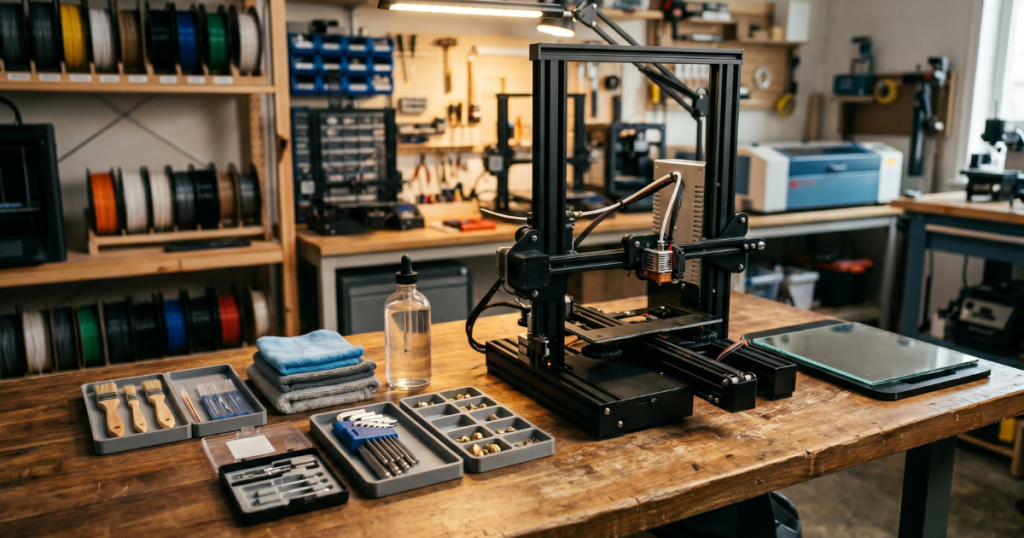
Clogs and debris can slowly build up inside the nozzle, causing inconsistent extrusion and weak layers. A dedicated nozzle cleaning kit helps clear blockages before they affect print quality.
When a Nozzle Needs Replacing
Worn nozzles can create uneven extrusion, poor surface finish, and dimensional inaccuracies. Keeping replacement nozzles on hand makes it easy to restore consistent printing performance.
Routine Printer Maintenance
Simple Maintenance Tasks That Prevent Bigger Problems
Small maintenance issues often go unnoticed until they cause print failures. A complete printer tool kit keeps essential tools within reach for regular adjustments, cleaning, and upkeep.
Keeping Hard-to-Reach Areas Clean
Dust, filament particles, and residue can accumulate in areas that are difficult to access by hand. A cordless rotary tool helps clean and maintain detailed components more efficiently.
Support Removal & Print Cleanup
Common Causes of Rough Print Finishes
Support structures can leave behind rough edges and unwanted material after printing. Precision flush cutters make it easier to remove supports cleanly without damaging finished parts.
Safer Ways to Trim and Refine Prints
Small imperfections often remain after support removal and cleanup. A precision hobby knife allows for controlled trimming and detailed finishing work on printed models.
Helpful Articles
- Best 3D Printer Calibration Tools in 2024: Top 10 Picks for Precision Printing
- Eco-Friendly Ways to Clean Your 3D Printer Nozzle: Safe and Effective Methods
- Best Tools and Techniques for Removing Supports from 3D Prints in 2024
- Top 10 Must-Have 3D Printing Tools: Why Meshmixer is the Ultimate Game-Changer
- Top 10 Magnetic Build Plates for 3D Printers: Best Picks for 2024
- Top 10 3D Printer Filament Sensors to Prevent Failed Prints in 2024
🔒 Enclosures & Accessories
Print Environment Control
The Ultimate Guide to Stable Printing Conditions
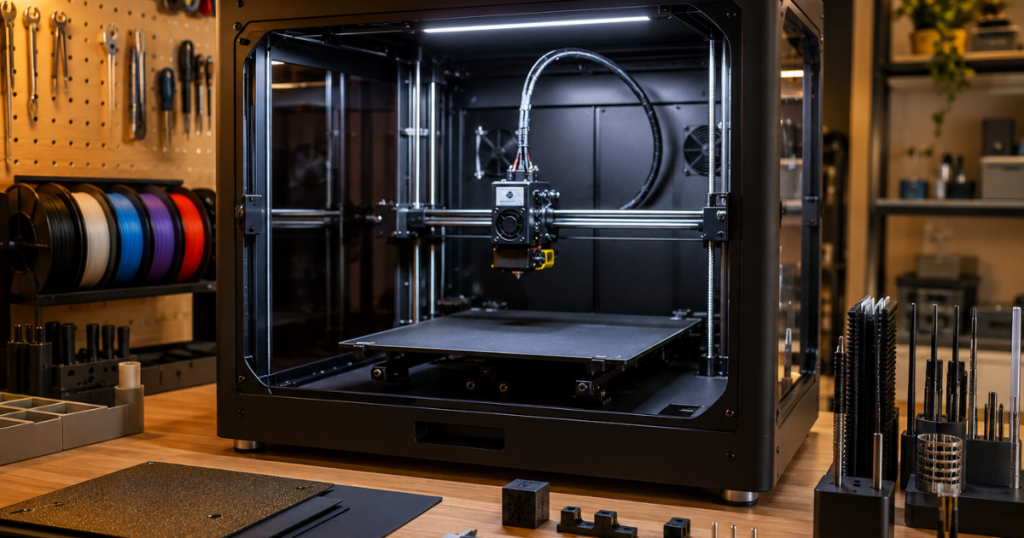
Temperature swings, drafts, and dust can affect print quality and consistency. An enclosure helps create a more controlled environment while reducing outside interference during long prints.
Simple Ways to Seal Drafts Around Your Printer
Small gaps around enclosures can let in cool air and reduce temperature stability. Foam weatherstripping helps improve insulation and creates a more consistent printing space.
Flexible Material Printing
How Flexible Filaments Behave Differently
Flexible materials can stretch, bend, and react differently than standard filament during printing. TPU is designed for projects that need durability, flexibility, and impact resistance.
Bed Adhesion & Surface Management
Common Causes of First Layer Problems
Poor bed surfaces can lead to weak adhesion, uneven layers, and failed prints. A replacement build plate provides a fresh printing surface and helps restore reliable first layers.
Why Prints Sometimes Refuse to Stick
Even properly leveled printers can experience adhesion issues with certain materials. Print adhesives help improve grip on the build surface and reduce the chance of parts lifting during a print.
Helpful Articles
- The Ultimate Guide to Choosing the Right 3D Printer Enclosure
- How can I reduce TPU stringing?
- Top 10 Auto Bed Leveling Sensors for 3D Printers: 2024 Edition
🛠️ Workshop & Organization
Filament Management
Simple Ways to Label Filament Inventory
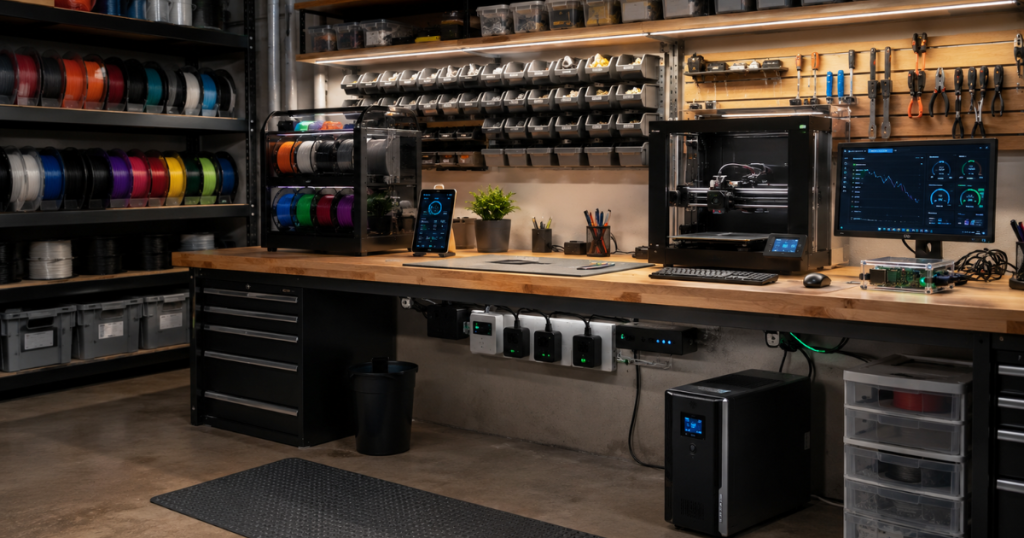
Mixed-up filament types and mystery spools can lead to print failures and wasted material. A label maker helps keep spool information visible so you always know what you’re loading into the printer.
Workspace Identification
Common Causes of Workspace Clutter
Small tools, spare parts, and printer accessories often end up scattered around the workspace. Clear labels make storage systems easier to maintain and help everything return to its proper place.
Power & Monitoring
How Power Outages Affect Long 3D Prints
A brief power interruption can ruin hours of printing progress. Battery backup protection helps keep critical equipment running long enough to avoid unexpected print failures.
Tools for Monitoring Print Jobs Remotely
Print problems don’t always happen when you’re standing next to the machine. A monitoring setup makes it easier to check printer activity and respond before small issues become wasted prints.
Environmental Control
Managing Humidity in the Printing Workspace
Excess moisture can affect stored filament and create inconsistent printing conditions. Reducing humidity helps maintain a more stable environment for both materials and equipment.
Why Room Conditions Matter for Consistent Prints
Temperature and humidity often change throughout the day without being noticed. Monitoring conditions helps identify environmental shifts that may contribute to print quality problems.
Helpful Articles
- Top 10 Innovative 3D Printer Storage Ideas for Small Spaces
- The Ultimate Guide to Storing 3D Filament: Top 10 Methods
- What’s the best way to store filament spools that are rarely used?
- What are other ways to store filament?
- What Tools Help Track Filament Humidity and Dryness Levels?
- The Ultimate Guide to Choosing the Right 3D Printer Enclosure
- Top 10 3D Printer Filament Sensors to Prevent Failed Prints in 2024
- Top 10 Must-Have 3D Printing Tools: Why Meshmixer is the Ultimate Game-Changer
🦺 Safety & Protection
Personal Safety Equipment
Handling Hot Parts Safely
Freshly printed parts, heated beds, and hotend components can cause painful burns during maintenance or print removal. Heat-resistant gloves help create a safer workflow when working around high temperatures.
Protecting Your Eyes Around 3D Printers
Flying filament strands, support removal, and workshop debris can create unexpected hazards. Safety glasses provide an extra layer of protection during printing, cleanup, and post-processing tasks.
Controlled Printing Environments
Reducing Environmental Printing Risks
Drafts, temperature swings, and accidental contact with moving printer components can create problems during long prints. An enclosure helps provide a more controlled and protected printing environment.
Managing Moisture Before It Causes Problems
Excess humidity can affect filament performance and contribute to storage issues over time. A dehumidifier helps maintain a more stable environment for both printers and materials.
Resin Printing Safety
Keeping Resin Workspaces Cleaner
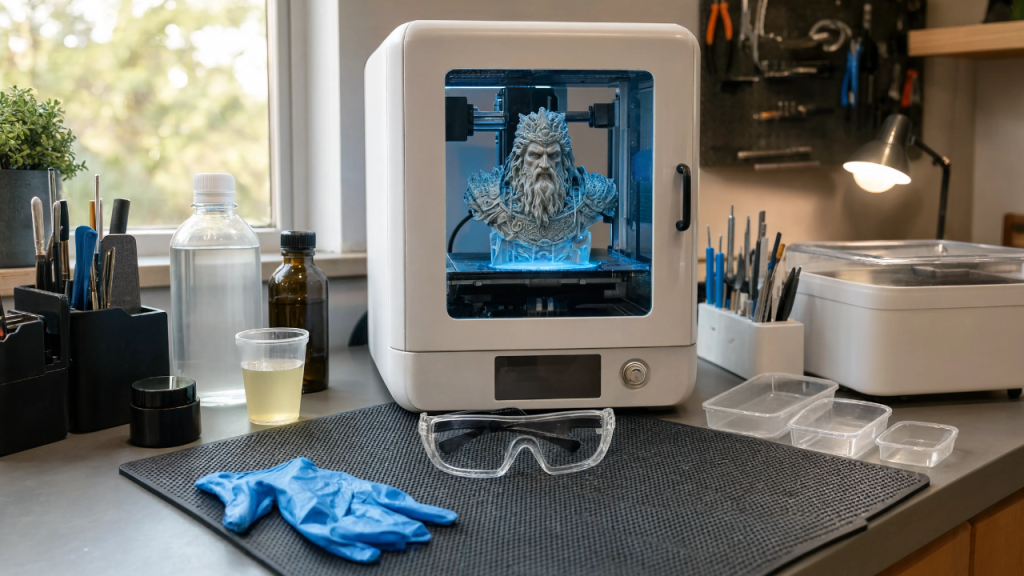
Uncured resin can be messy and difficult to handle without the right tools. A dedicated post-processing kit helps keep cleanup organized while reducing direct contact with materials.
Containing Resin Spills and Messes
Small drips and spills can quickly spread across a work surface. A silicone mat helps contain messes and makes routine resin cleanup much easier.
Safer Resin Cleaning and Curing Workflows
Manual washing and curing can increase handling time and workspace clutter. A wash and cure station simplifies post-processing while keeping the workflow more controlled.
Advanced Material Protection
Preventing Moisture Damage in Nylon Filament
Nylon absorbs moisture quickly, which can lead to poor print quality and failed parts. Properly handling and storing engineering-grade materials helps reduce common printing issues.
Printing Flexible Materials More Reliably
Flexible filaments can be sensitive to environmental conditions and inconsistent storage practices. Keeping materials protected before printing helps improve overall print consistency.
Helpful Articles
- How do I prevent Nylon warping?
- How can I improve Nylon adhesion?
- The Ultimate Guide to Choosing the Right 3D Printer Enclosure
- Top 10 Resin Wash & Cure Stations for Efficient 3D Printing in 2024
- The Best UV Resin Curing Lights: Top 10 Picks for Perfect Prints
Want to Go Beyond Just Fixing Prints?
If you’re serious about building skills, staying consistent, and getting better results over time, mindset matters just as much as tools.
👉 Start here: REE Self-Help
Every recommendation on this page is selected based on real-world usability, beginner friendliness, reliability, and common 3D printing problems we regularly cover on 3DPrintTrend.
Disclosure: As an Amazon Associate, I earn from qualifying purchases.